Case study · Enterprise device management
WCD Platform
A cloud console for IT teams to update, manage and monitor every display, without walking to the room.
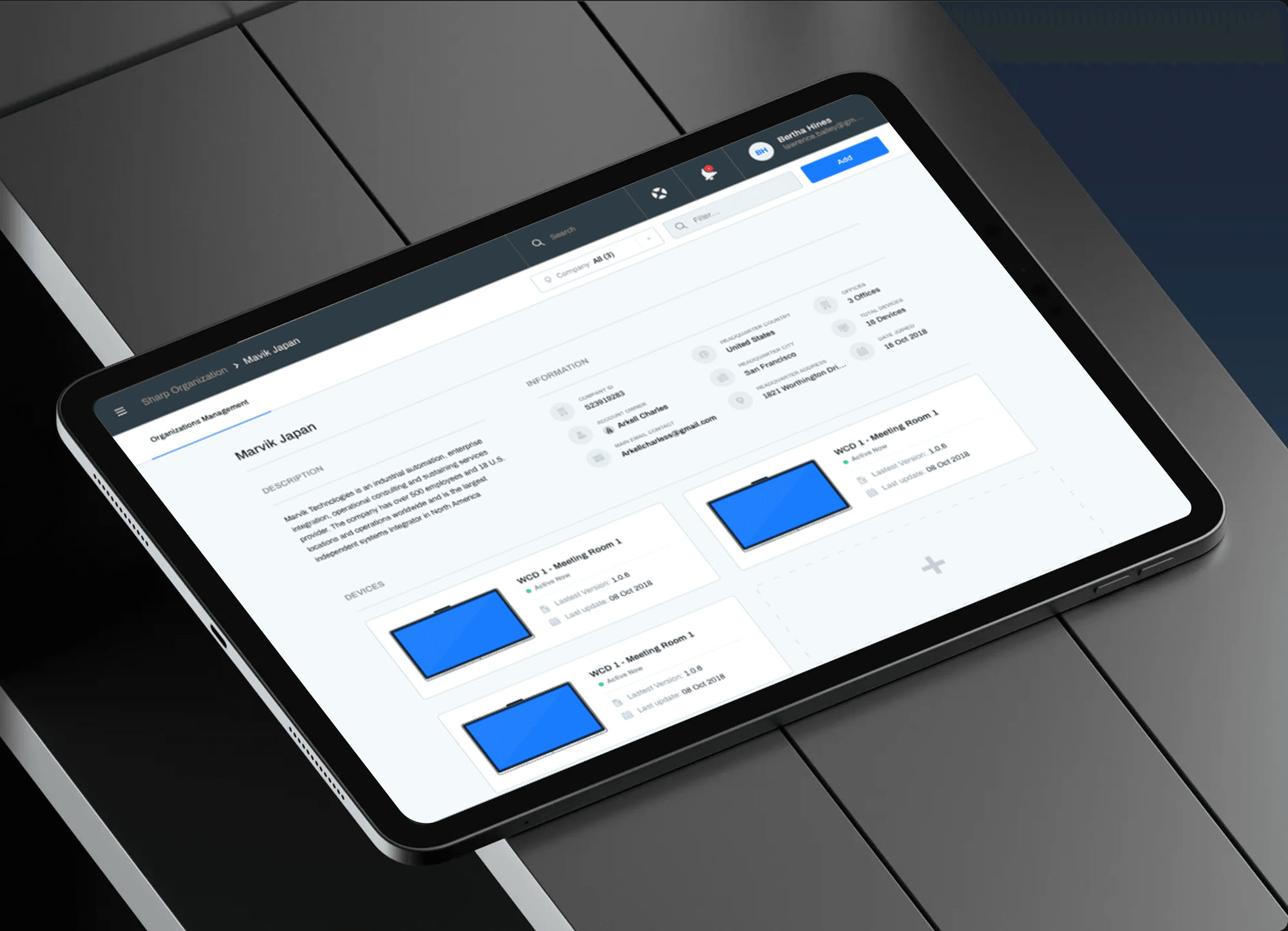
The platform, built under the name Nimble, lets admins and IT technicians control WCD displays through the cloud: remote updates, device management and device metrics.
It runs on Microsoft Azure managed services, so the team never had to run servers. Huy worked with a UX designer, a content strategist, a product manager and two developers, from feature list to final UI.
Different people come to the same console for different jobs. Each type of user had to find their task fast, with the first release limited to what the team could build.
- 01Defined features from research with UX and product
- 02Prioritised three modules for the first release
- 03Wireframed and set the information architecture
- 04Designed the interface for desktop and tablet
- 05Drew the illustrations
- 06Animated the prototypes
Three modules, one console.
Scope at a glanceScope as described in the case on phamhuyds.com.
Organization & devices
Every room on one map.
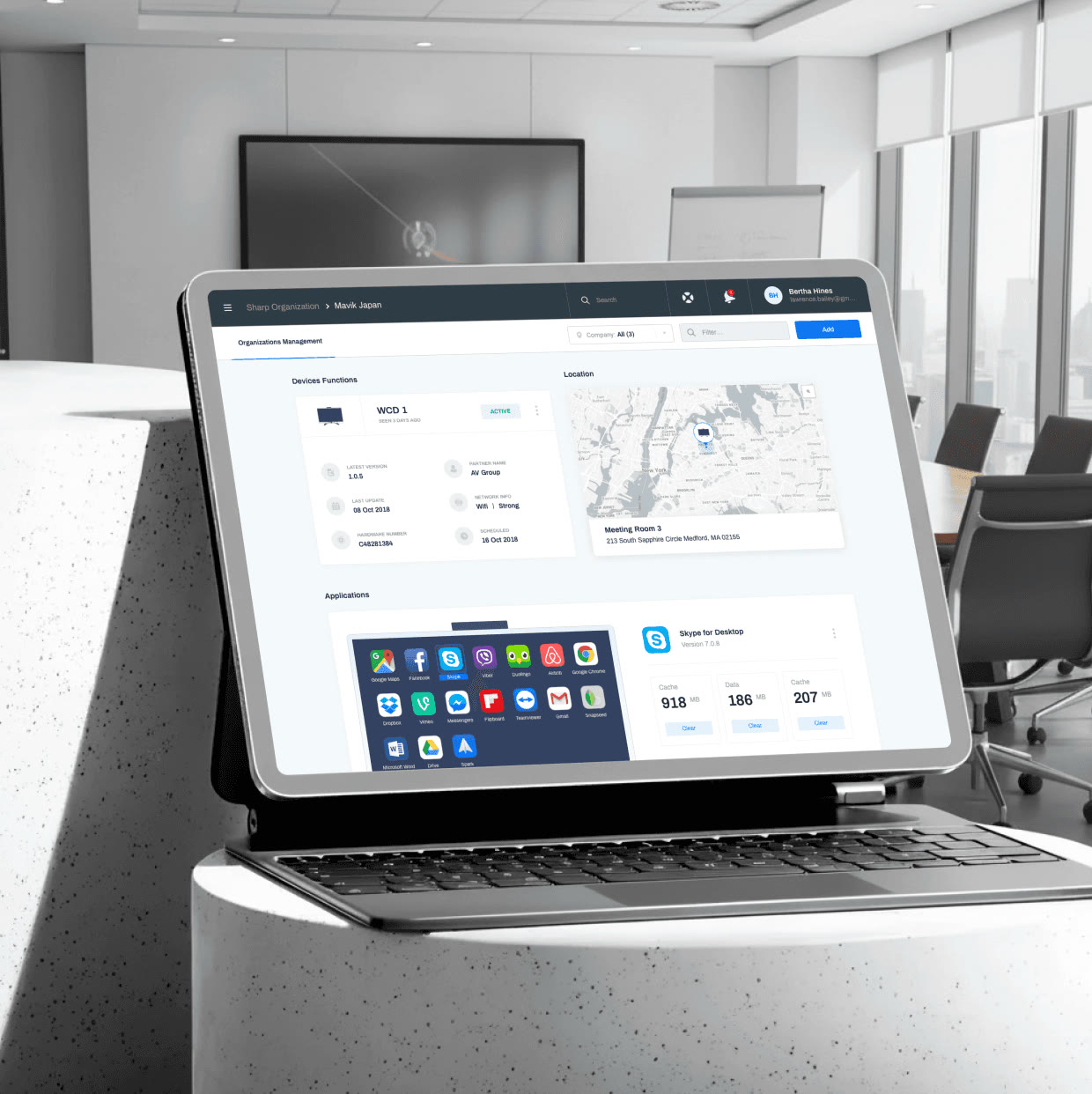
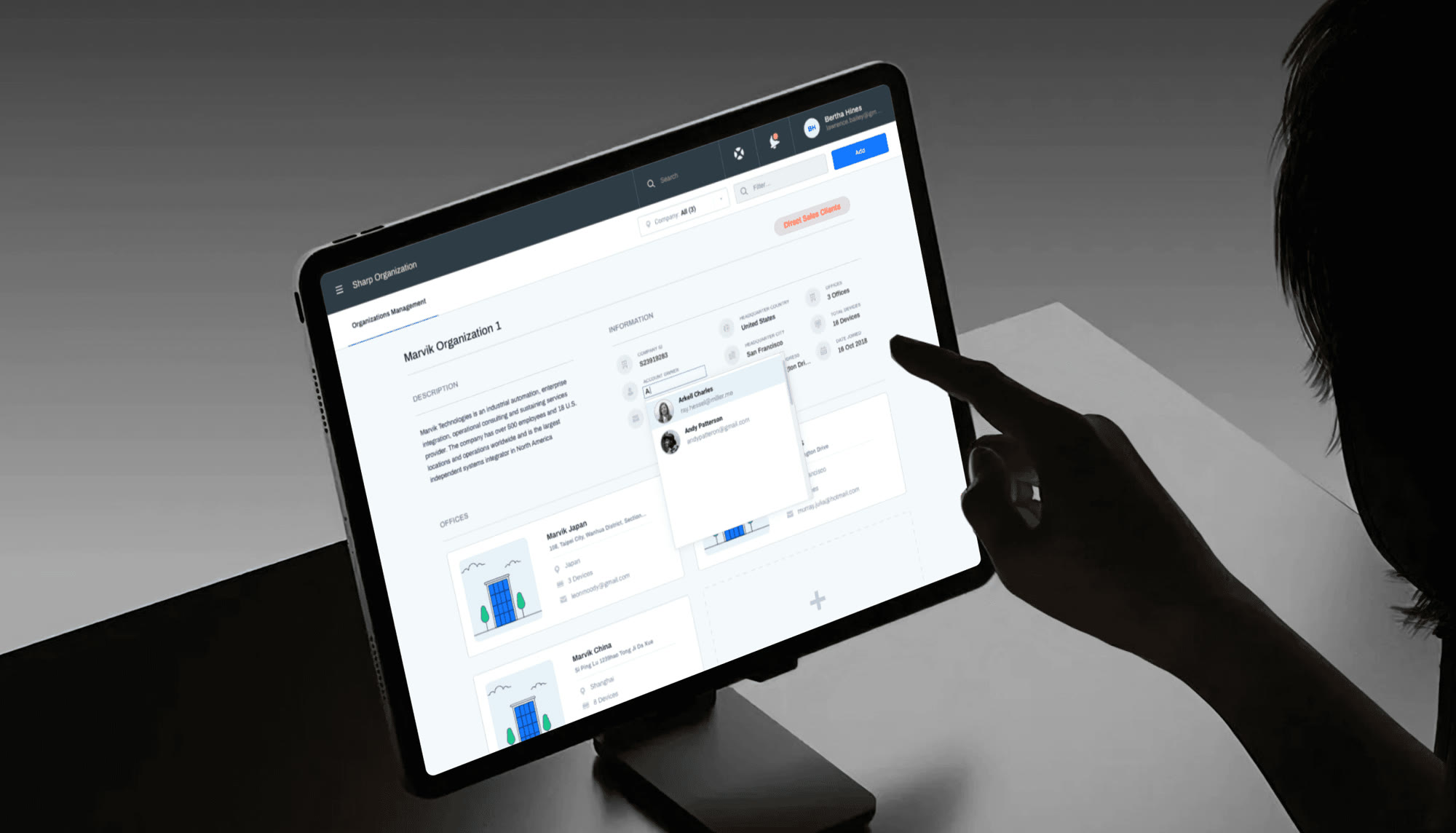
An organization page shows locations on a map and the displays in each room. Open one to see its status, apps and usage, and act on it from there.
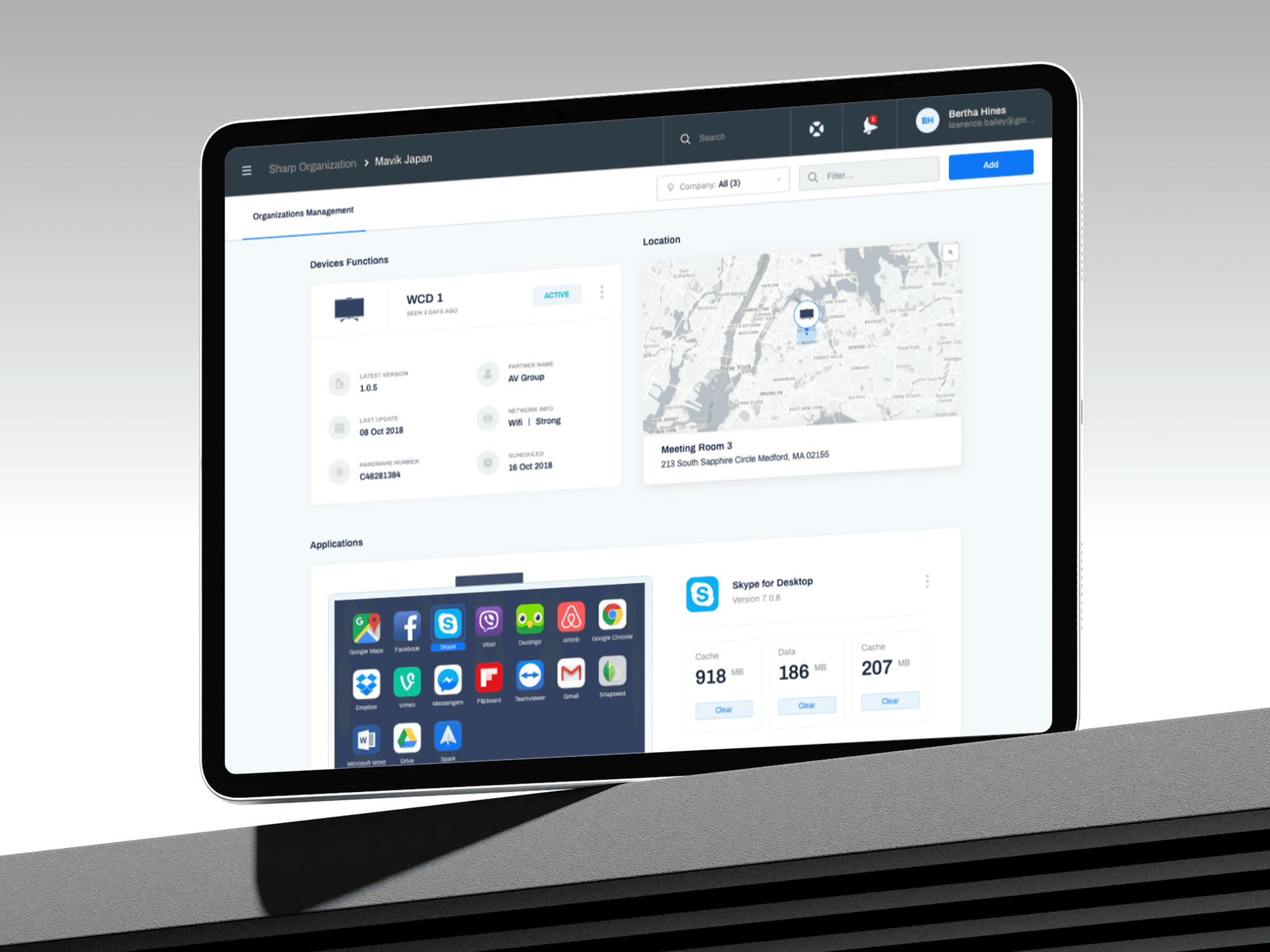
Device page: where it is, what runs on it, how it is used.
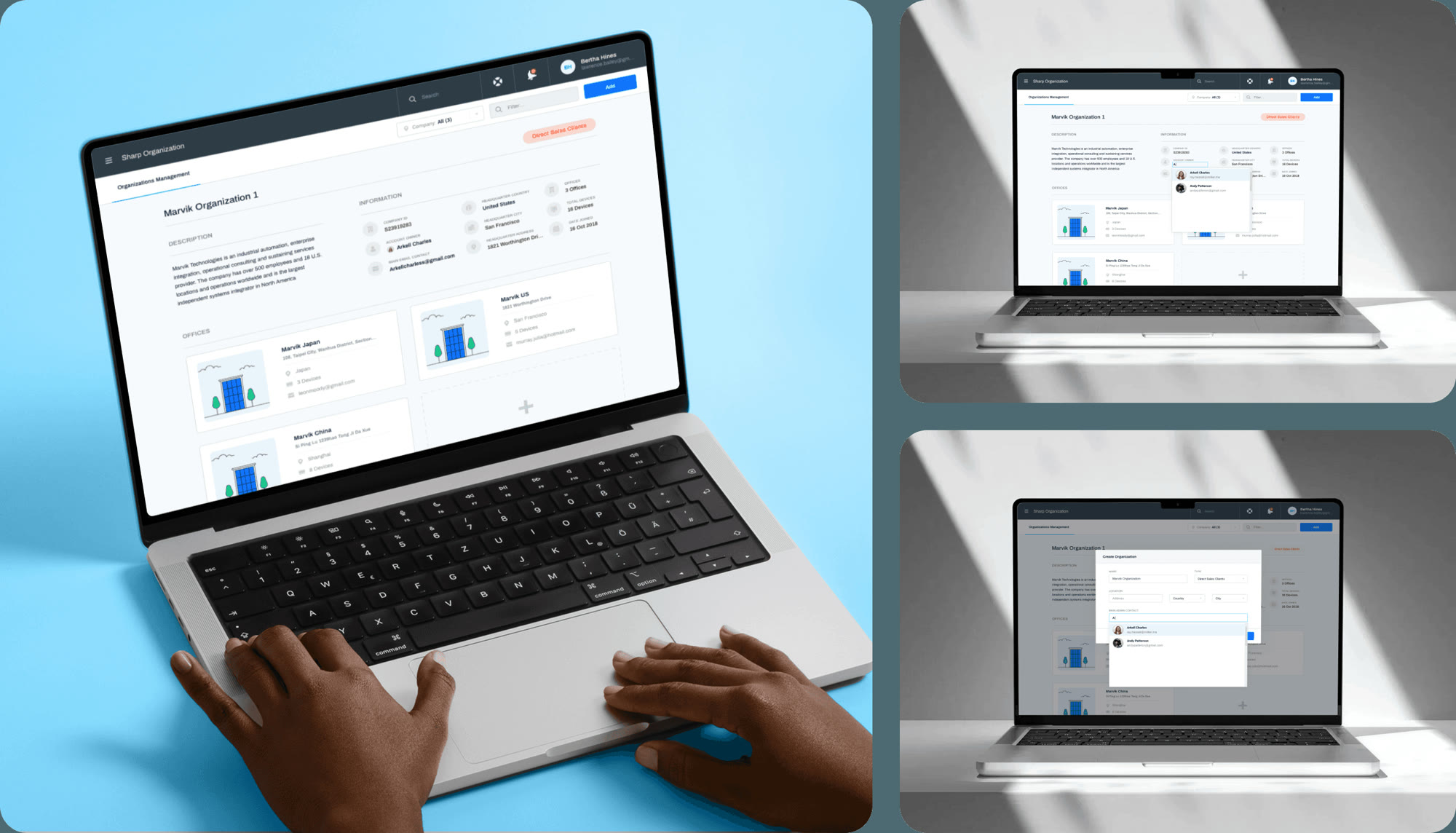
Desk and hand
Same console, laptop or tablet.
The layout holds from a laptop at a desk to a tablet in hand, so a technician can check a display while standing next to it.
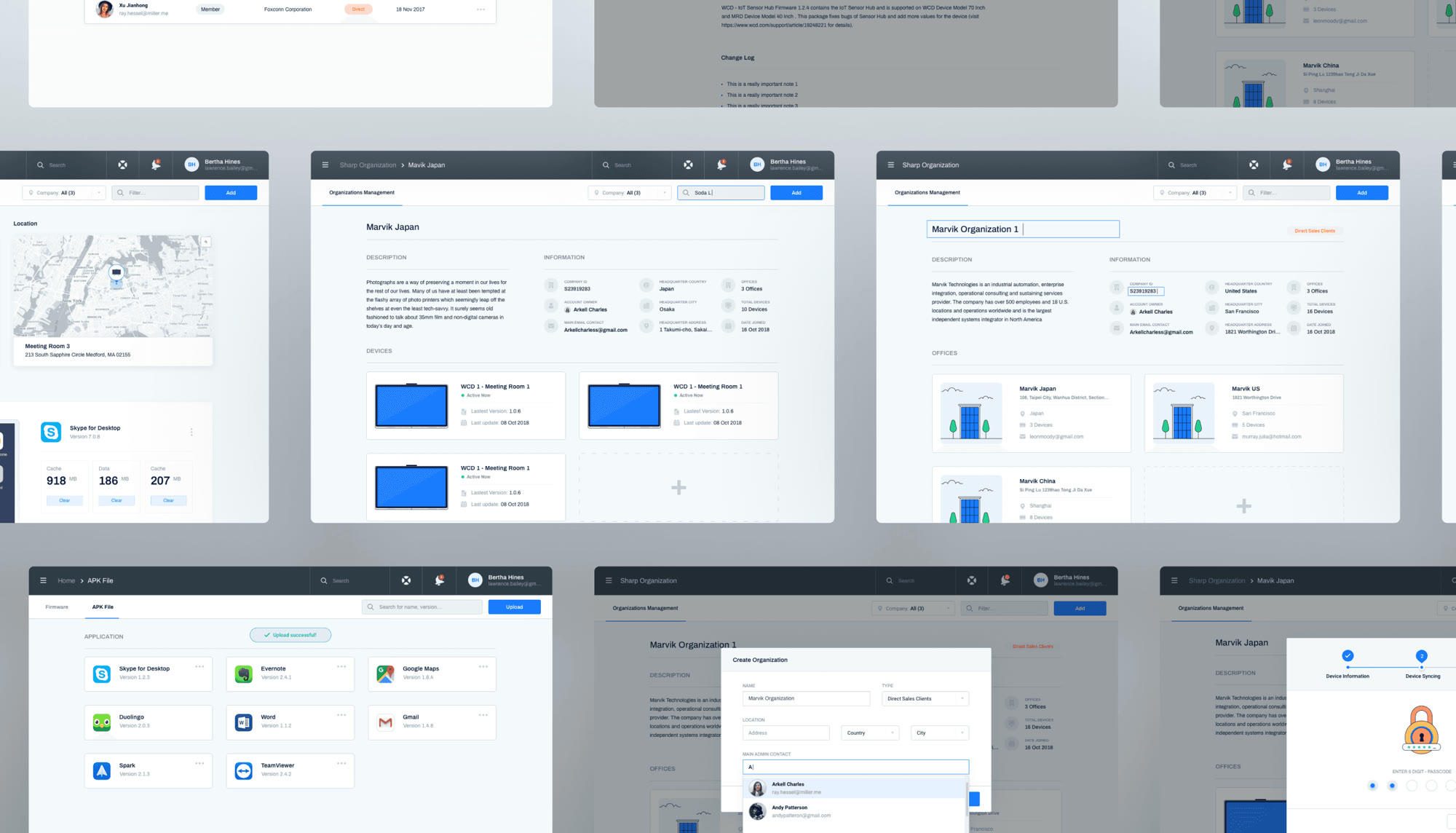
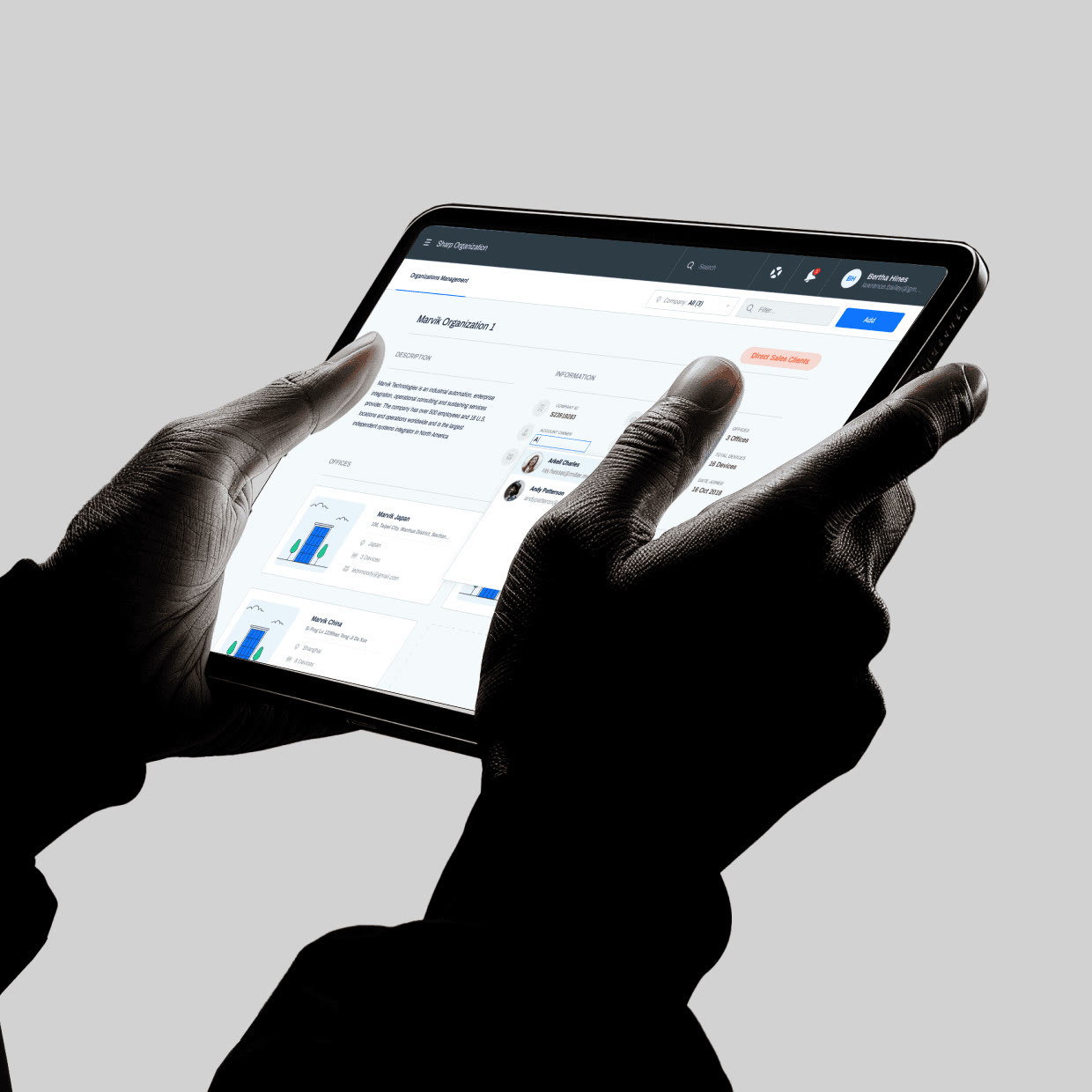
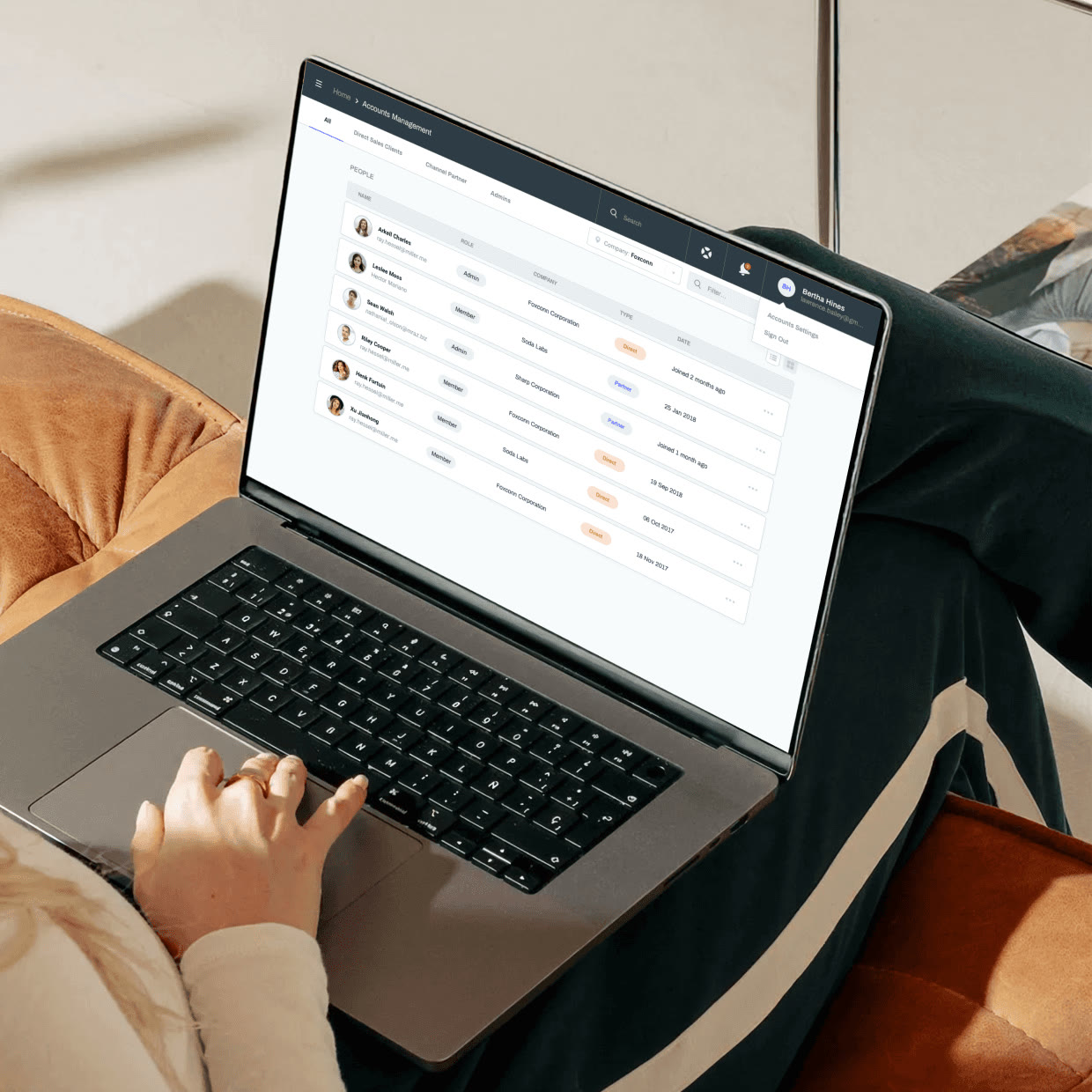
Account management: members, roles and invites.
Components
Plain parts, clear status.
Buttons, inputs, tags and status colours were built once and reused across all three modules, so a new screen was mostly assembly.
Remote update
Update every room without walking to one.
Pick the displays, push the update, watch each one move from queued to done. Offline devices wait and retry when they come back.
Browser sketch of the remote-update pattern. Device names are made up.
Impact
The quiet half of an award-winning product.
The console shipped alongside the WCD display, which went on to win two awards at ISE 2019.

Updates without site visits
Updates, settings and health checks happen from the console, not in the room.
One console, many roles
Organization, account and device views give each type of user their own way in.
Shipped with the display
Part of the WCD launch at ISE, InfoComm, Computex and Microsoft Ignite.
Ready to extend
Shared components across all three modules made new screens fast to add.
Designed by Huy Pham as product designer at Soda Labs in Taipei, before founding PHAXIS Lab.
Huy Pham
Huy Pham
UX designer, product manager
Content strategist
Front-end and back-end developers
Microsoft Azure
Shipping a B2B console?
Get a design team that makes admin work feel light.
Next case